How to prepare your straightener for first use
Step 1: Remove plastic 3 pin plug protector
Step 2: Unravel the twist ties that organise the cable
Step 3: Remove the protective heat guard
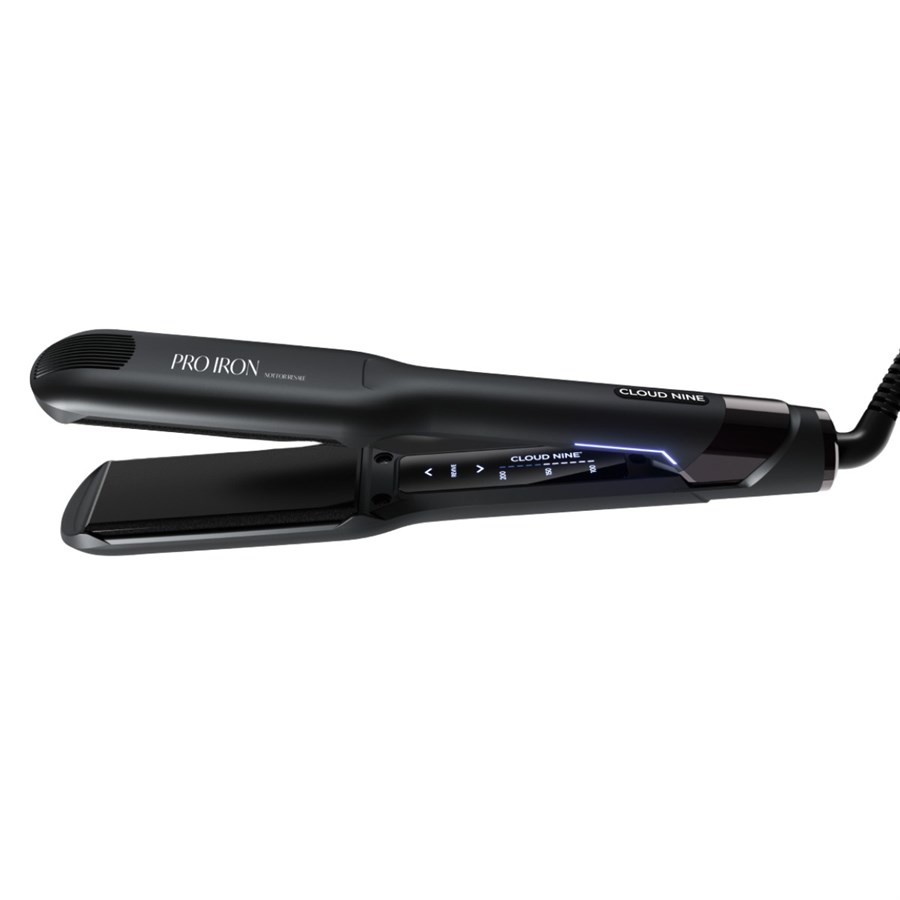
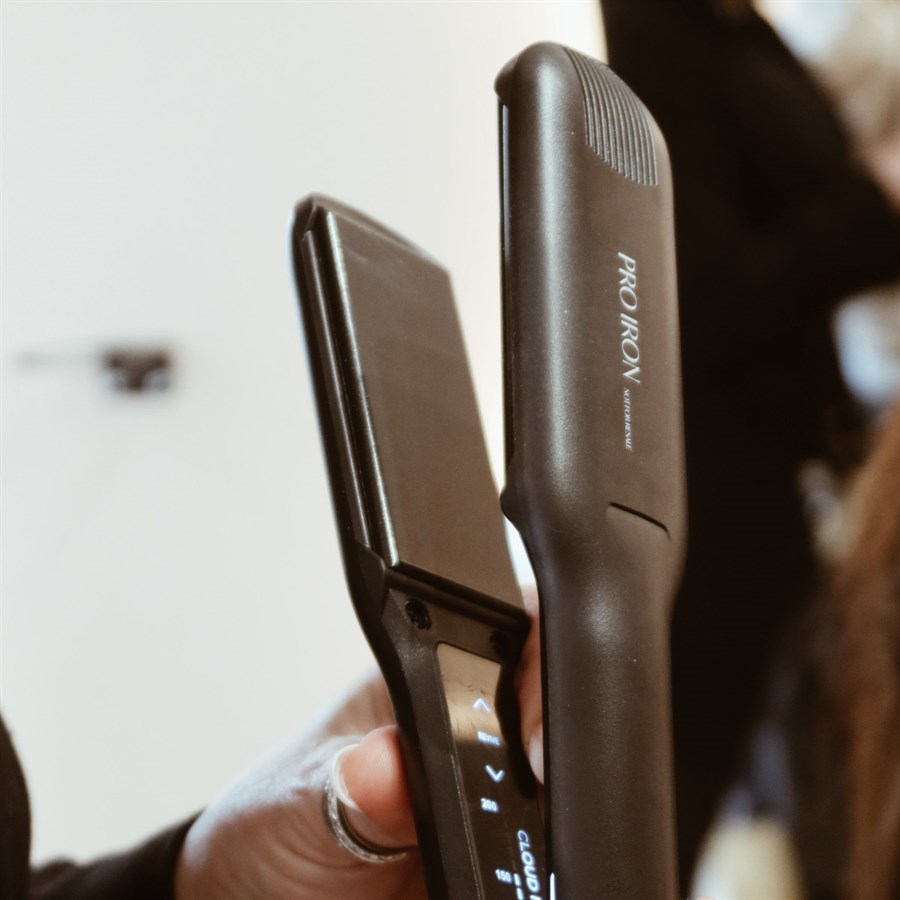
Step 4: Remove the clear protective film from digital touch pad
Tip - start at one corner of the digital pad and gently lift it with your fingernail. Once you have a small section lifted, the film will come away easily and in one piece.
How to use The Wide Iron
To get the best results from your new Cloud Nine straightener:
1: Clean, dry and detangled hair.
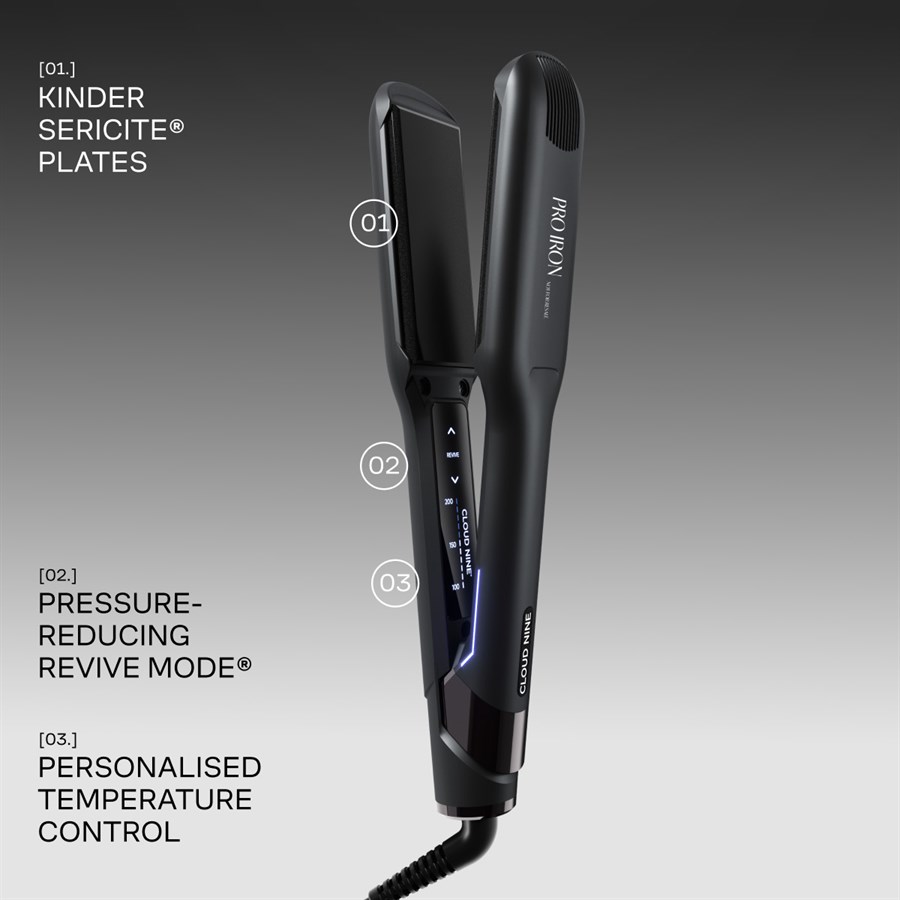
2: Plug in and switch on your Wide Iron. Feel Revive Mode® activate automatically. There's no need to press a button. The gentle vibration minimises your hair’s direct contact with heat to promote long-term hair health.
3: Find your perfect heat and select the right temperature on your Wide Iron – choose from 11 settings to reduce the damage caused by excessive heat.
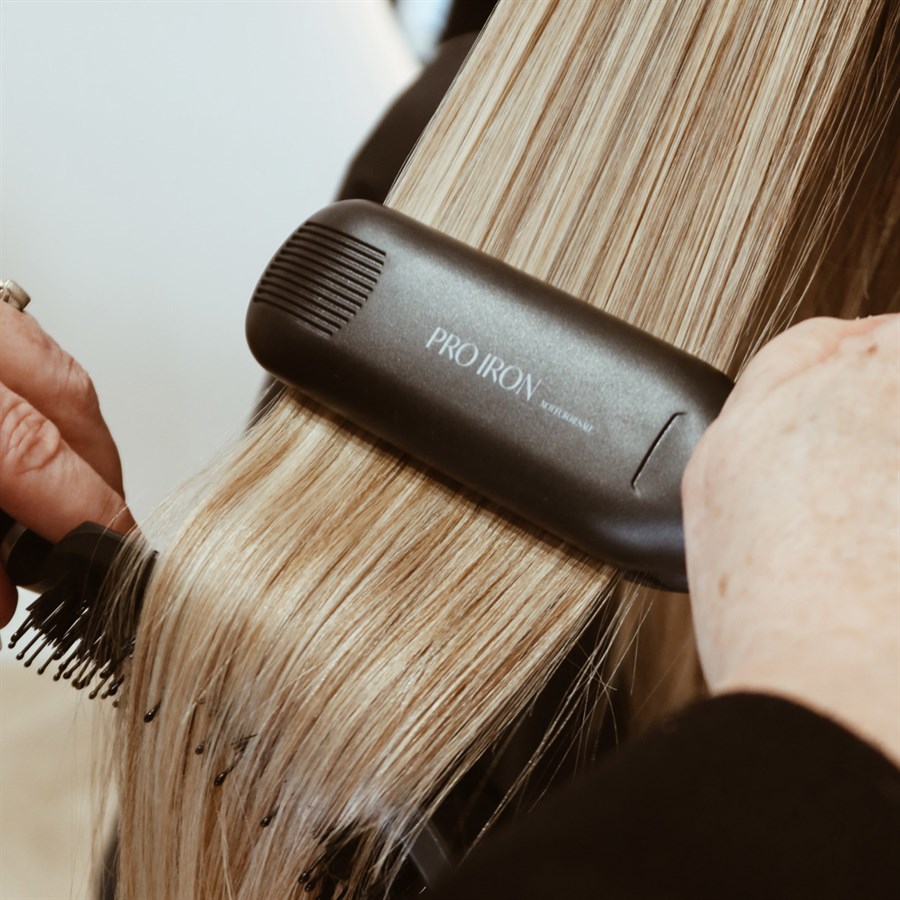
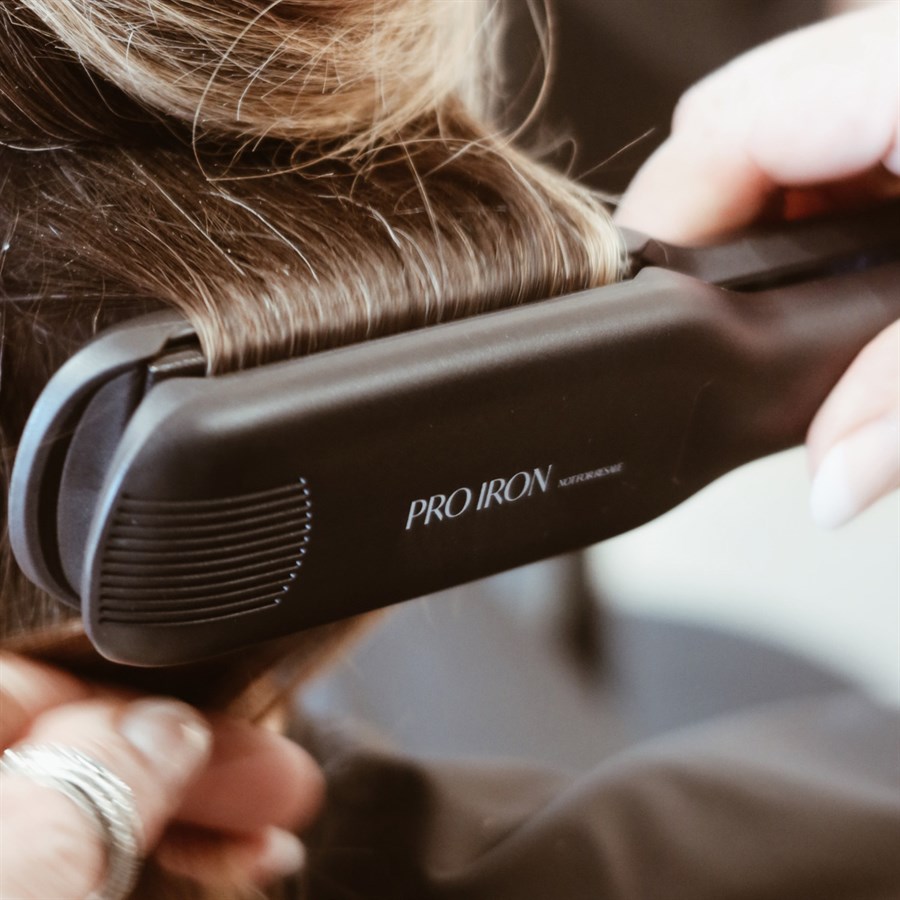
4: To straighten with your Wide Iron, smooth the cushioned styling plates through a section of your hair from root to tip in one fluid movement. There’s no need to pause – Cloud Nine's Sericite®-infused styling plates distribute heat evenly for consistent shine. Repeat for all sections of hair.
The Original Iron automatic turn off function
Cloud Nine's Hibernation Mode is a feature of the Wide Iron. After 30 minutes of inactivity, the plates stop heating but the power remains on, protecting your surfaces from heat damage for stress-free styling. When this feature is activated, the digital pad will power off and the LED lights on the side of your iron will pulse slowly.
How do I use Revive Mode®?
Revive Mode® automatically activates when you switch on your straightener. You will feel and hear a light buzzing as the plates gently vibrate.
Warranty
3-year extended warranty on Cloud Nine straighteners and hair curlers.